 CGfield
You drop
Drop an asset or a complete Everything folder. USD, Alembic, FBX, OBJ, glTF and Blender can enter the workflow.
 Everything
Drop in a folder of models and textures. Use your assets and materials in Houdini, Maya, 3ds Max and Blender.
It converts your files: a folder of assets, its maps, its geometry. Install it on a workstation to try it.
Download for WindowsThe trial runs in your browser, with nothing to install.
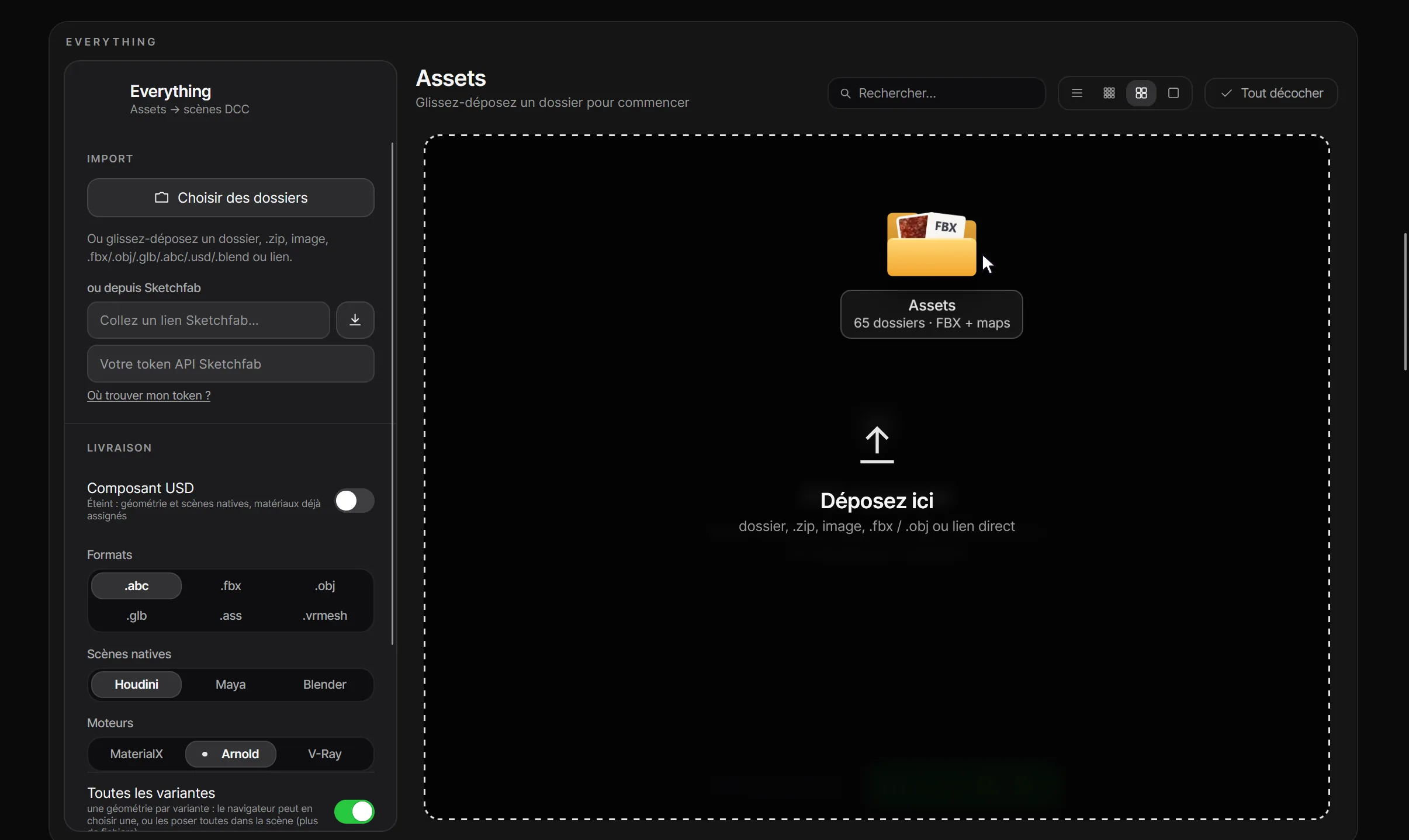
Everything demo
The application, with thumbnails from existing libraries
Autoplay demo using a sample library. Thumbnails, conversion and export are simulated; nothing is written to your drive.
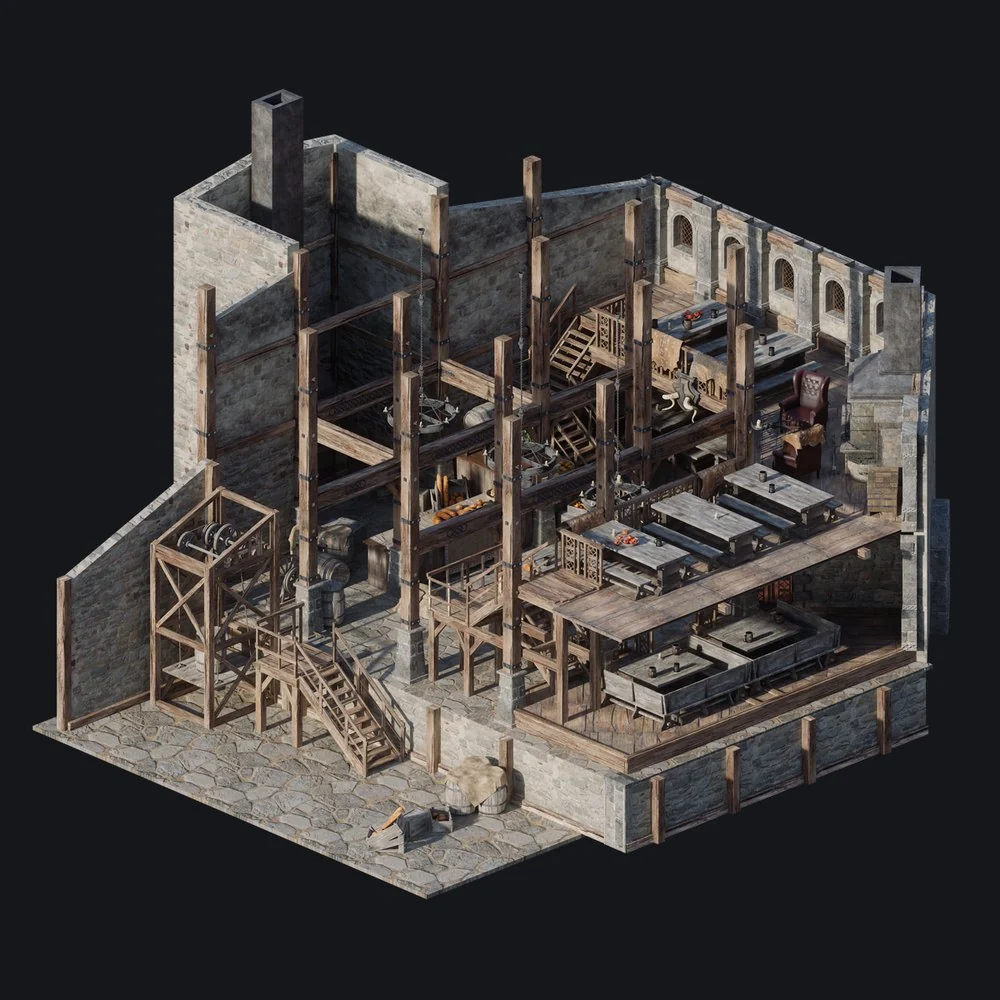
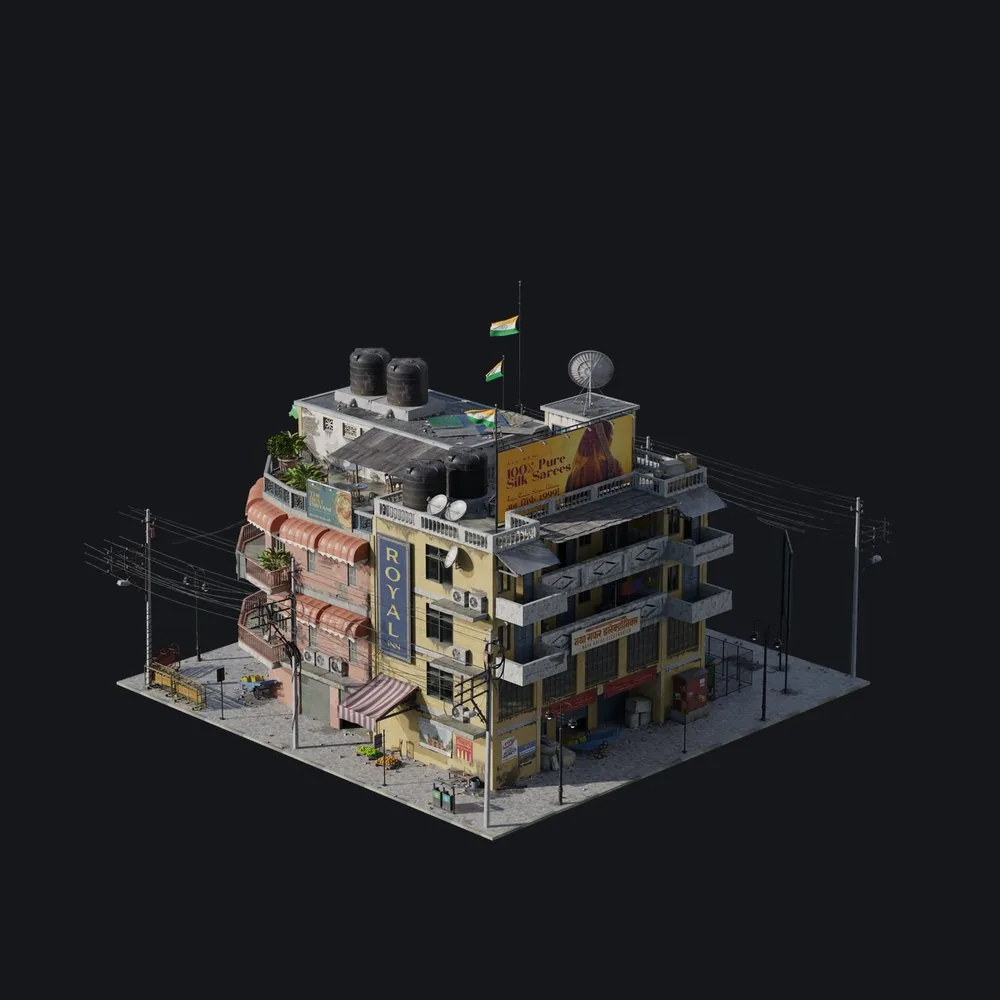
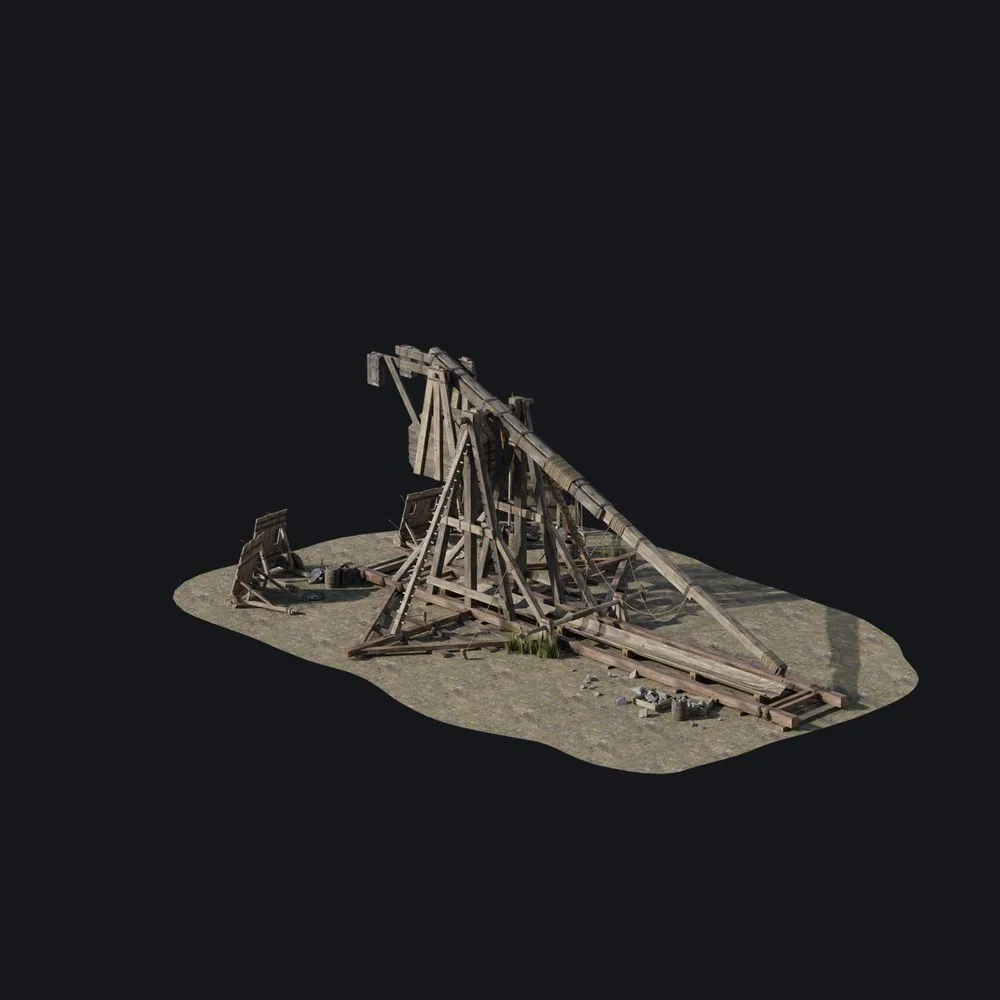
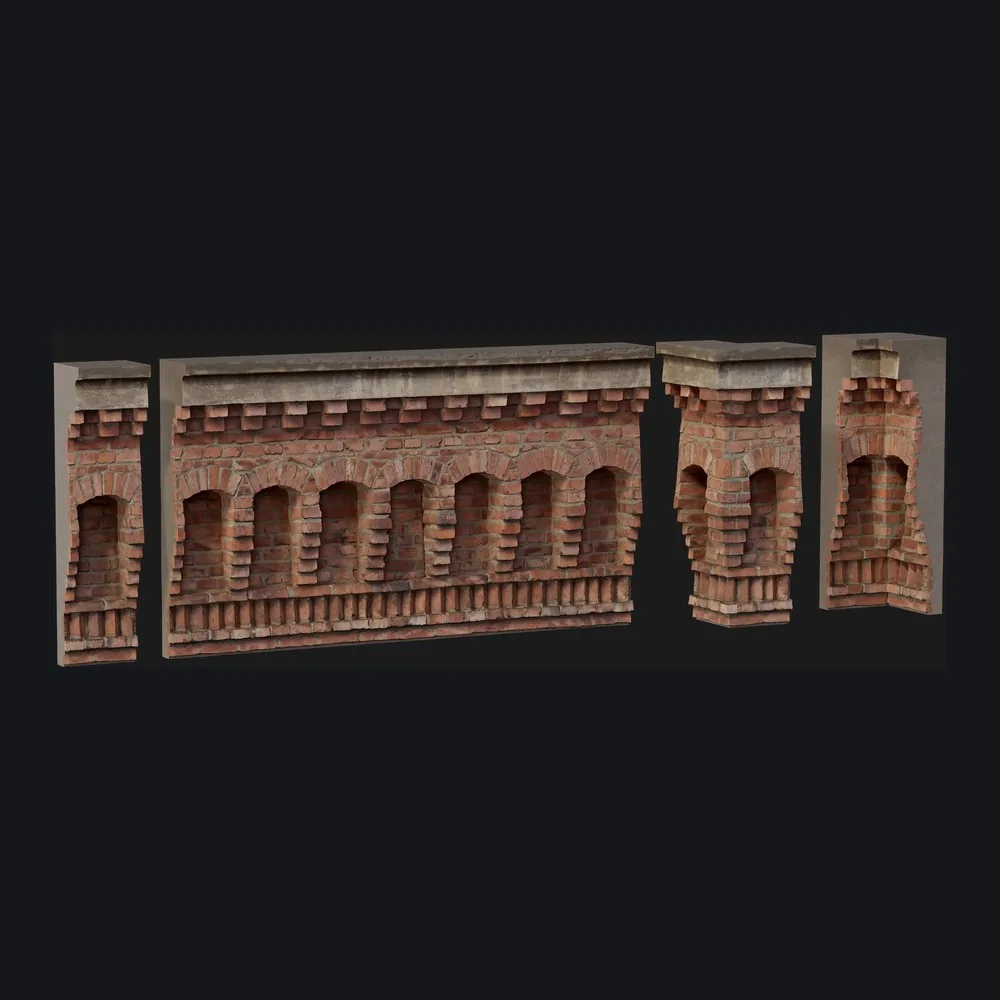
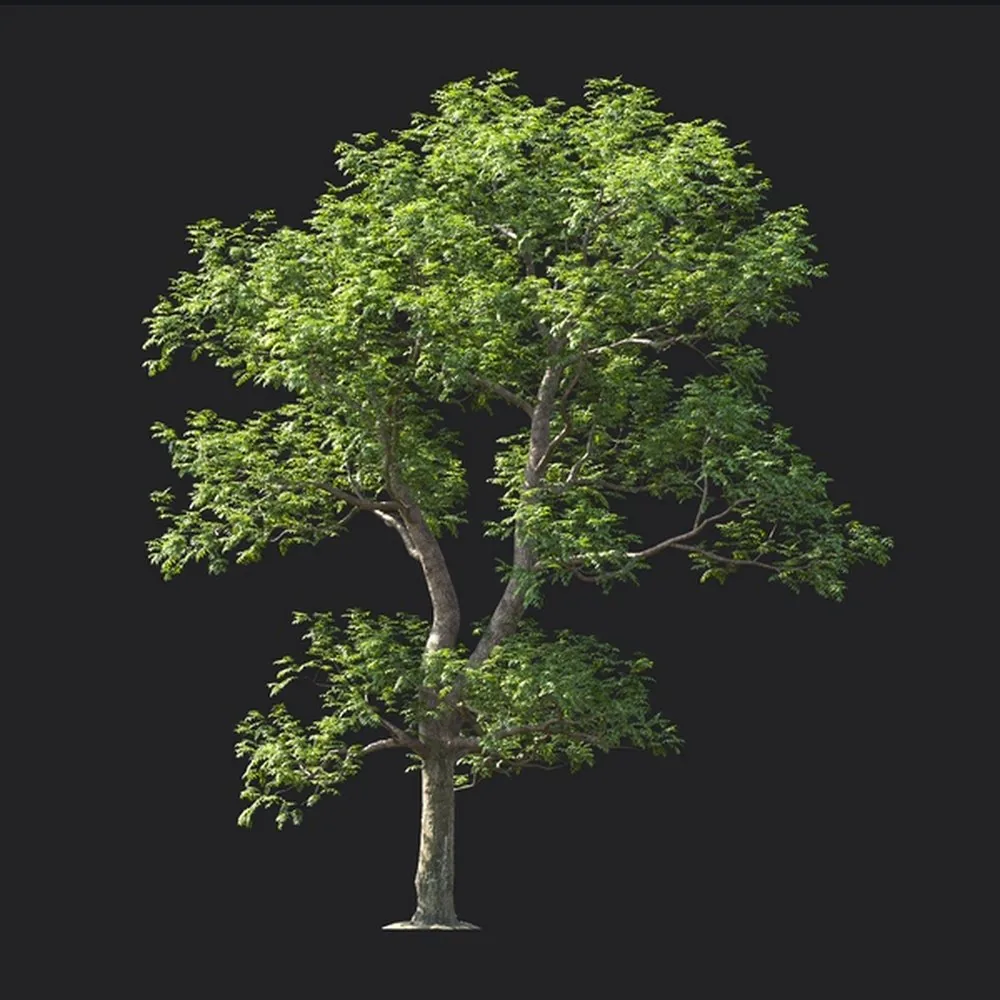
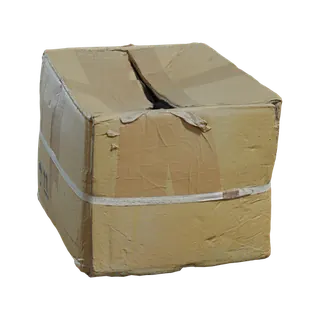
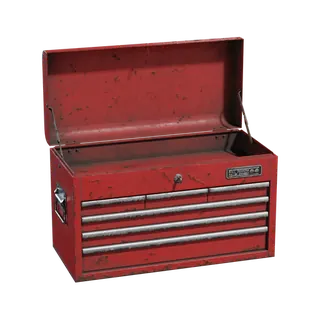
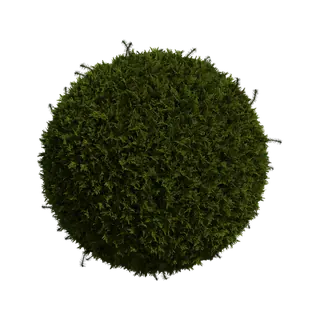
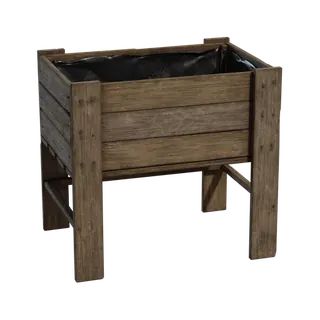
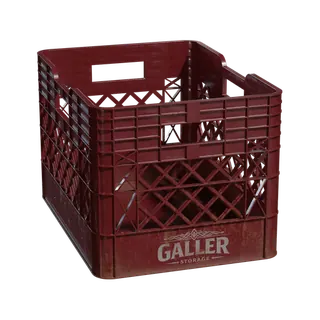

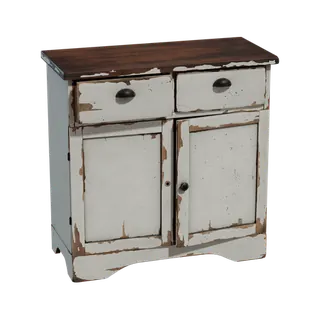
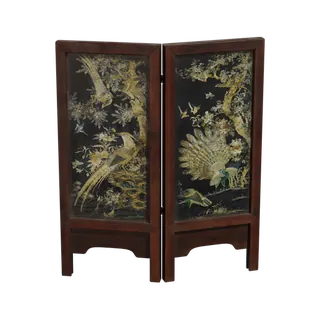
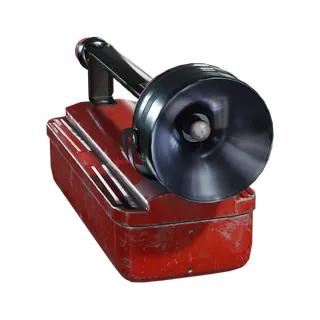
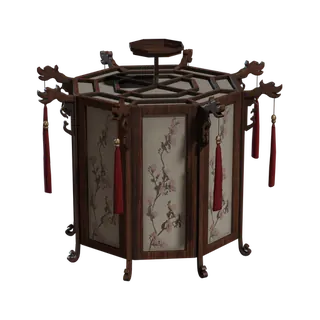

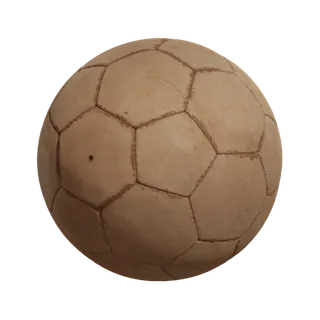
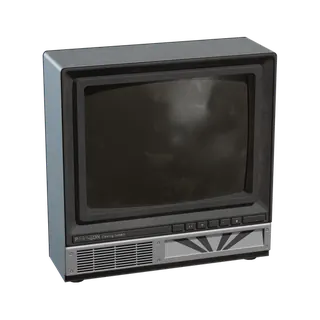
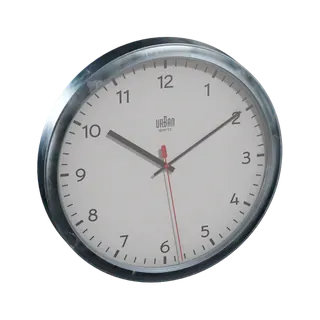
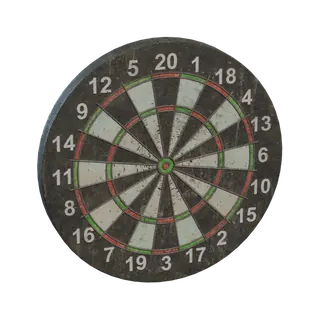

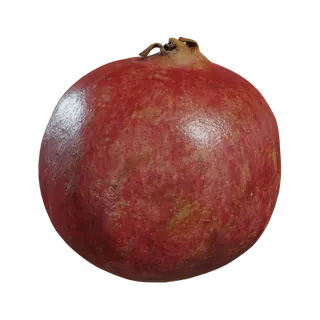
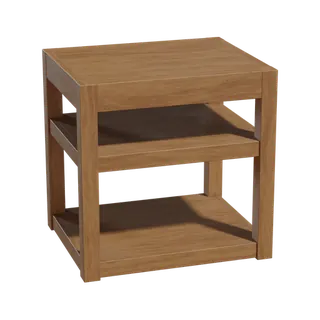
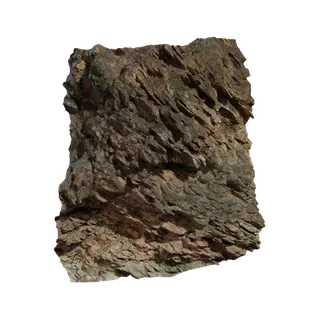
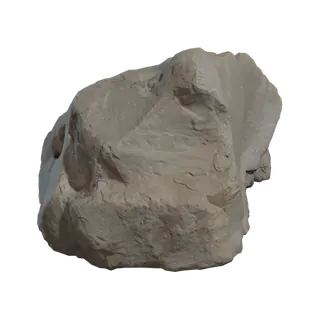
 AssetBrowser
Drag models and surfaces into the scene with their materials, or an HDRI that lands as the lighting.
A library is a folder on your disk, the one your conversions were written to. It is neither copied nor moved, and a right-click is enough to remove it.
In Houdini, the Windows ▸ AssetBrowser menu or the shelf; in Maya, a panel docked under the 3D view; in 3ds Max, the Everything ▸ AssetBrowser menu, which docks the panel under the viewport; in Blender, the asset browser, where your libraries appear on their own.
In the network, the asset lands at the origin; in the 3D view, under the cursor. A material dropped onto an object shades it with all its maps, displacement included, with nothing to reconnect.
Dropped into the scene, it becomes the lighting: an environment light in Houdini (Solaris, Karma, Arnold or V-Ray), aiSkyDomeLight or VRayLightDome in Maya, a V-Ray or Arnold dome in 3ds Max, the World in Blender. Its rotation and exposure are remembered, and the resolution to use is chosen in its detail panel.
Poly Haven HDRIs, textures and 3D models (CC0) can be browsed by category in the app. Dragged into Houdini, Maya, 3ds Max or Blender, they download on drop, with a progress bar on screen, then land. What you download stays in a separate library, usable offline.
Favourites, recents and collections span all your libraries without copying a file. From Houdini, Maya, 3ds Max or Blender, “Add selection to library” files an object from the scene there with its thumbnail.
The open application shows at the foot of the app. “Place in Houdini” (or Maya, 3ds Max, Blender), in the detail panel or with a double-click, places the asset at the centre of its view without dragging; a selection goes in one go, laid out side by side.
The app’s “Software” page sets, application by application, the renderer, the format of the placed geometry and, in Houdini, Maya and 3ds Max, the panel window: docked or floating. Drag and drop follows these choices, so there is nothing left to set inside the application.
In an asset’s detail panel, “View in 3D” shows it textured, orbitable, with its variants. A right-click removes it from the library or sends it to the recycle bin, and a USD material written by Everything is added as a material.
 Animated
Set the wind for your trees and plants, then export the motion with your Everything package materials.
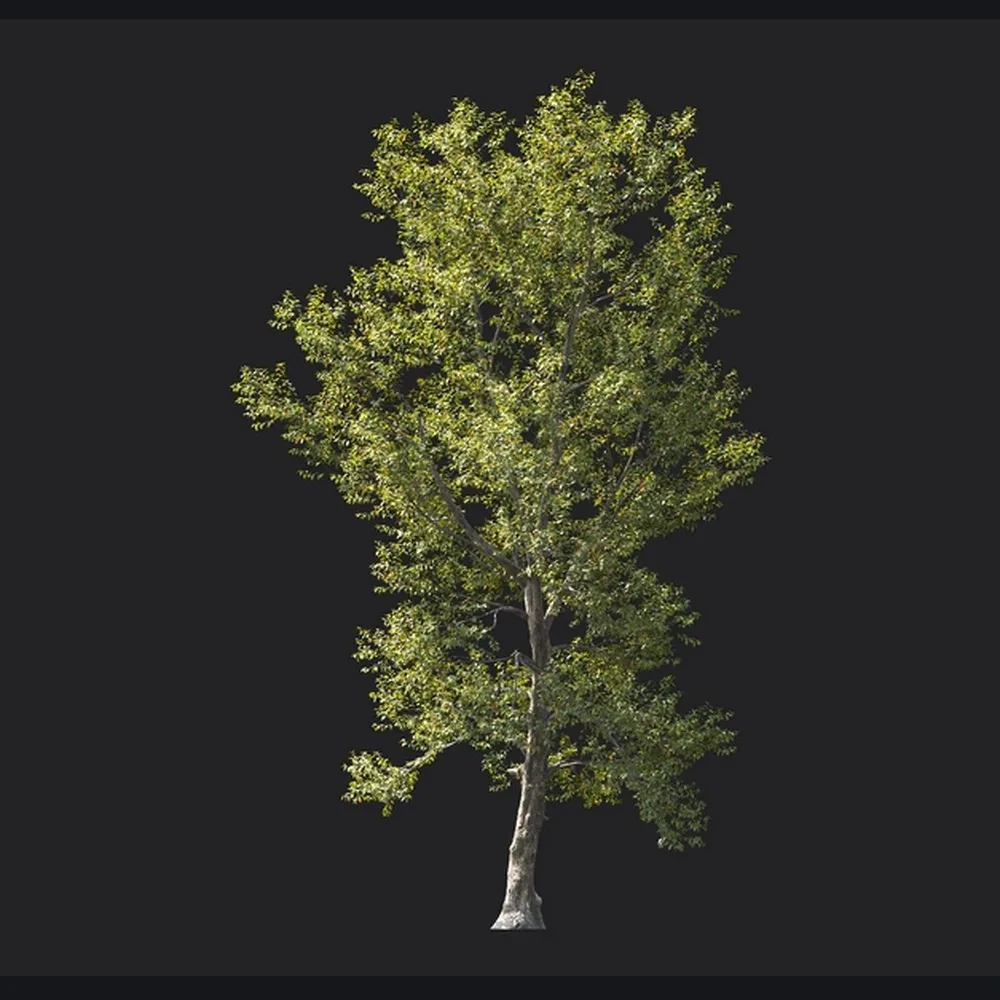
The animation Animated exported for this tree (one Alembic per wind strength), rendered in Blender with the asset’s textures.
Choose a wind strength to see the tree respond.
Compare four wind strengths, from calm to storm. Motion travels from the trunk to the leaves.
Everything → Animated
Drop an asset or a complete Everything folder. USD, Alembic, FBX, OBJ, glTF and Blender can enter the workflow.
With an Everything package, keep the available textures and networks. “Match source” selects Arnold or V-Ray per asset. Keep companion files with the Alembic cache.
Choose an animated USD component or an Alembic cache with Houdini, Maya or Blender scenes, depending on the software installed.
USD · UsdSkelAlembic · .abc
Houdini · .hipMaya · .mbBlender · .blend
ArnoldV-RayBlender · Principled BSDFTextures
CalmBreezeFresh breezeStorm
With a complete Everything package, native scenes retain assigned materials and linked textures. Arnold and V-Ray follow the source renderer. Alembic contains the motion; open the companion scene to recover the shaders. Available scenes depend on installed software.
 Created with EverythingYour animated tree
Choose the outputs for your software and renderer.
| Software | File and scene exportEverything | Asset browser inside the softwareAssetBrowser | HDRI as lightingAssetBrowser | Renderers |
|---|---|---|---|---|
 Houdini Houdini |
.hip · USD | Panel in the application | Karma · Arnold · V-Ray | Karma XPU · Karma CPUArnold · V-Ray |
 Maya Maya |
.mb | Panel in the application | Arnold · V-Ray | Arnold · V-Ray |
 3ds Max 3ds Max |
.max | Panel in the application | V-Ray · Arnold | V-Ray · Arnold |
 Blender Blender |
.blend | Blender’s Asset Browser | Cycles · EEVEE | Cycles · EEVEE |
 Karma
Karma Arnold
 CyclesBlender
FBX · OBJ · glTF / GLB · USD / USDA / USDC / USDZ · Alembic · Blender · PLY · STL
Folders and ZIP archives are accepted. MAX: Globe Plants Mesh libraries only, in Everything.
Available formats depend on the app, selected options and installed software.